The problem
Customers leave you Google reviews and you never see most of them. Or you see them, mean to reply, and never get to it. Unanswered reviews look like nobody is home, and your best ones sit on Google where your website visitors cannot see them.
What it does
As of October 30, 2026, your Google reviews are in LeedAgent, on the Reviews page. You can reply from there, and the reply is posted to Google. You can also pick your best reviews and show them on your website with a script you copy and paste.
How to use it
-
Connect your Google account in Settings > Integrations if you have not yet. Then open Reviews in the left menu. At the top you see the number of synced reviews, your average rating, how many need a reply, and how many locations you manage. Use the filters to narrow the list by rating, reply status, location, or whether the review has a comment.
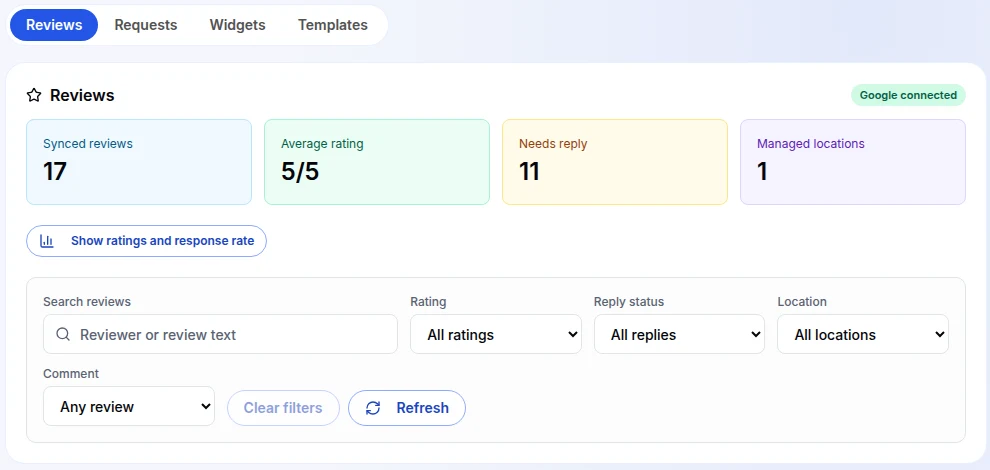 The counters and filters at the top of the Reviews page.
-
Press Reply on a review that needs one. A Compose reply box opens. Write your answer, or press AI draft to get a starting point and change it. Save draft keeps it for later and Load saved drafts brings it back. When you are happy, press Post to Google.
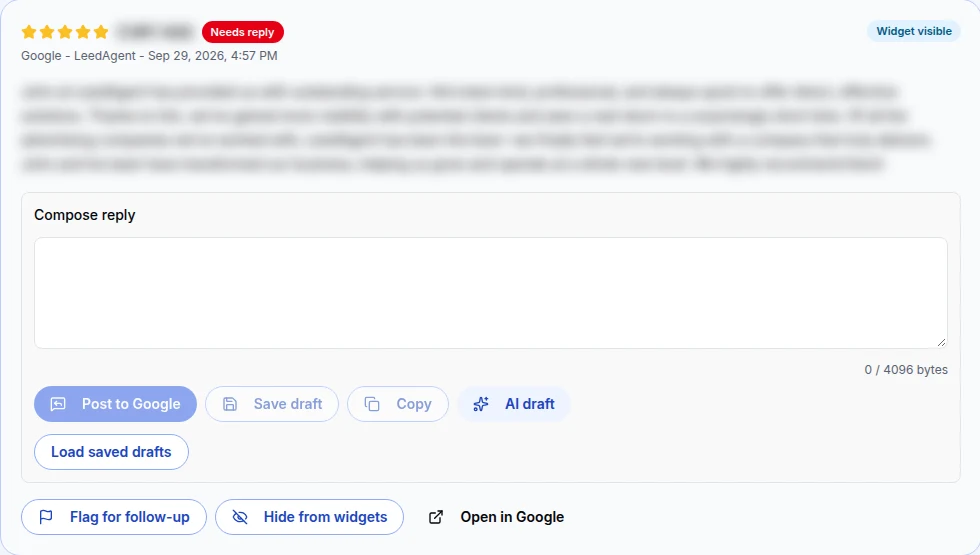 Reply from the app. Reviewer name and text are blurred in this screenshot.
-
Under each review you can Flag for follow-up, Hide from widgets, or Open in Google.
-
Open the Widgets tab to show reviews on your site. Choose the location, a layout (List, Grid or Carousel), the minimum star rating, the theme, how many reviews to show, an accent color, and whether to show your replies and a review button. Press Add widget, then copy the embed script into a page on your website. Only reviews marked visible, at or above your minimum rating, are shown.
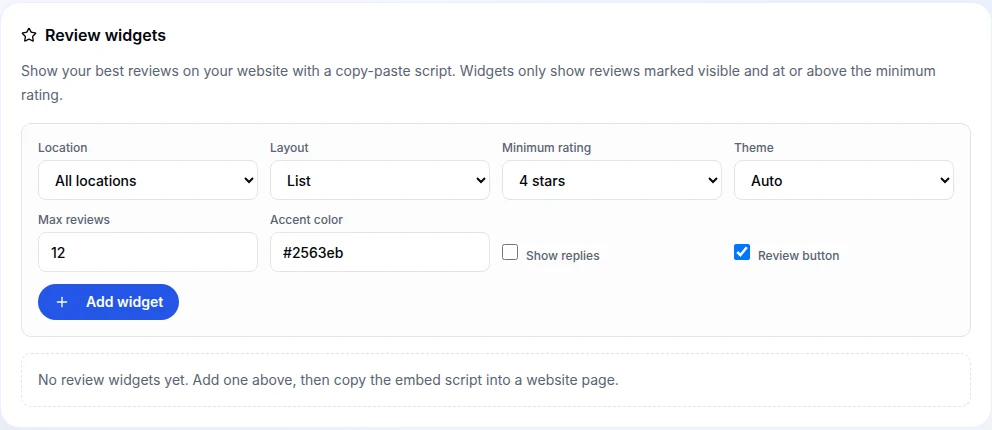 Choose how the widget looks, then add it and copy the script.
Who has it
Google reviews and AI review replies are included from Solo up (Solo, Community 97, 197 and 297). Free and Free Plus do not have them. See the pricing page.
Try it
Open Reviews in the app. Want to get more reviews in the first place? Read how one-truck operations get more Google reviews. No account yet? Start free.