The problem
You run a small business and you call people all day from your own cell. Your personal number is on every call, your calls live in your phone, and nothing ties them to the person you called. A business phone line felt like something you buy later, on a paid plan.
What it does
As of November 20, 2026, Free and Free Plus accounts can open the Phone tab, get a number and place calls from LeedAgent. Calls are paid from your wallet balance, which you top up with your card, as you use them.
Texting did not change. Texting, the inbox and WhatsApp still start at Solo.
How to use it
-
Open Phone in the left menu. The first time, the page asks you to accept the Messaging Policy before you can place calls.
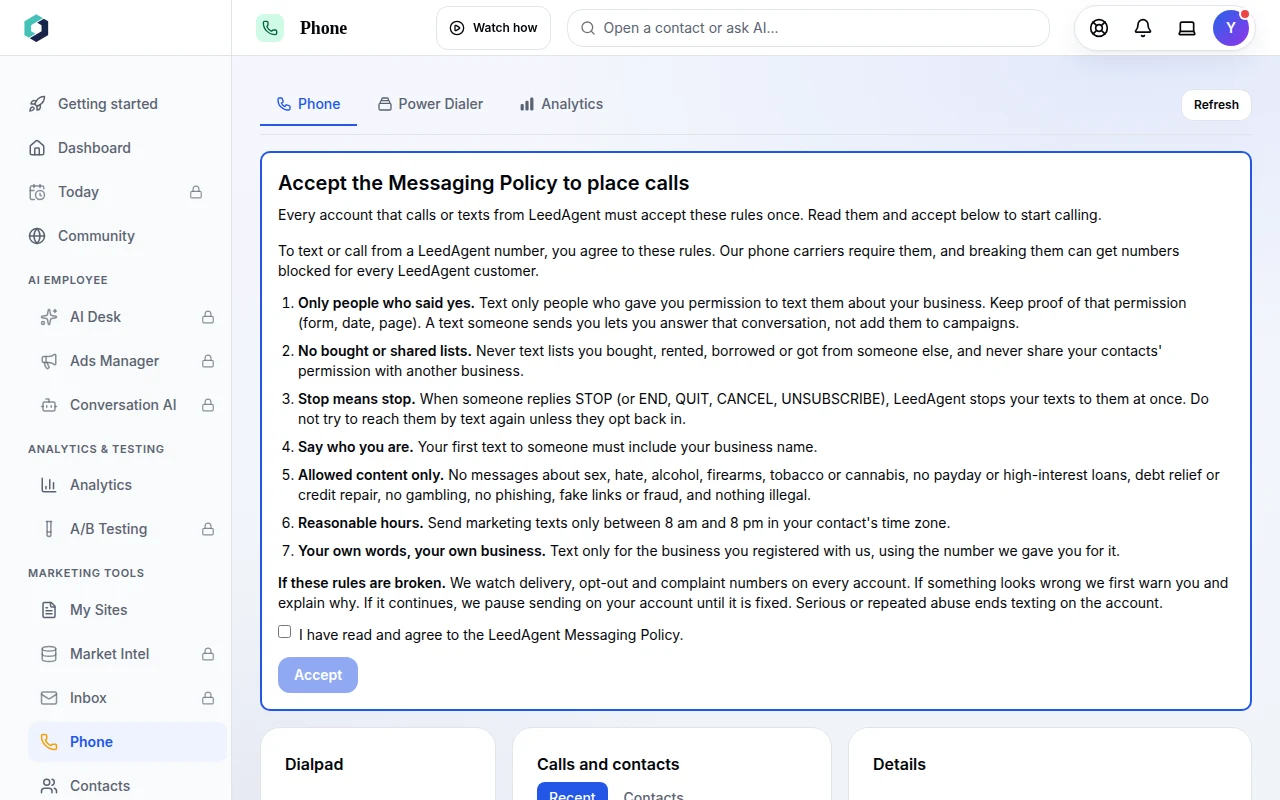 Phone tab on a Free account: accept the Messaging Policy first.
-
Read the seven rules, tick the box and press Accept. They cover who you may contact, stop requests, honest sender names and allowed content.
-
Under Calling from the dialpad, the account shows "No phone numbers" until you get one. Press Get a number. It takes you to Settings > Telephony > Phone numbers.
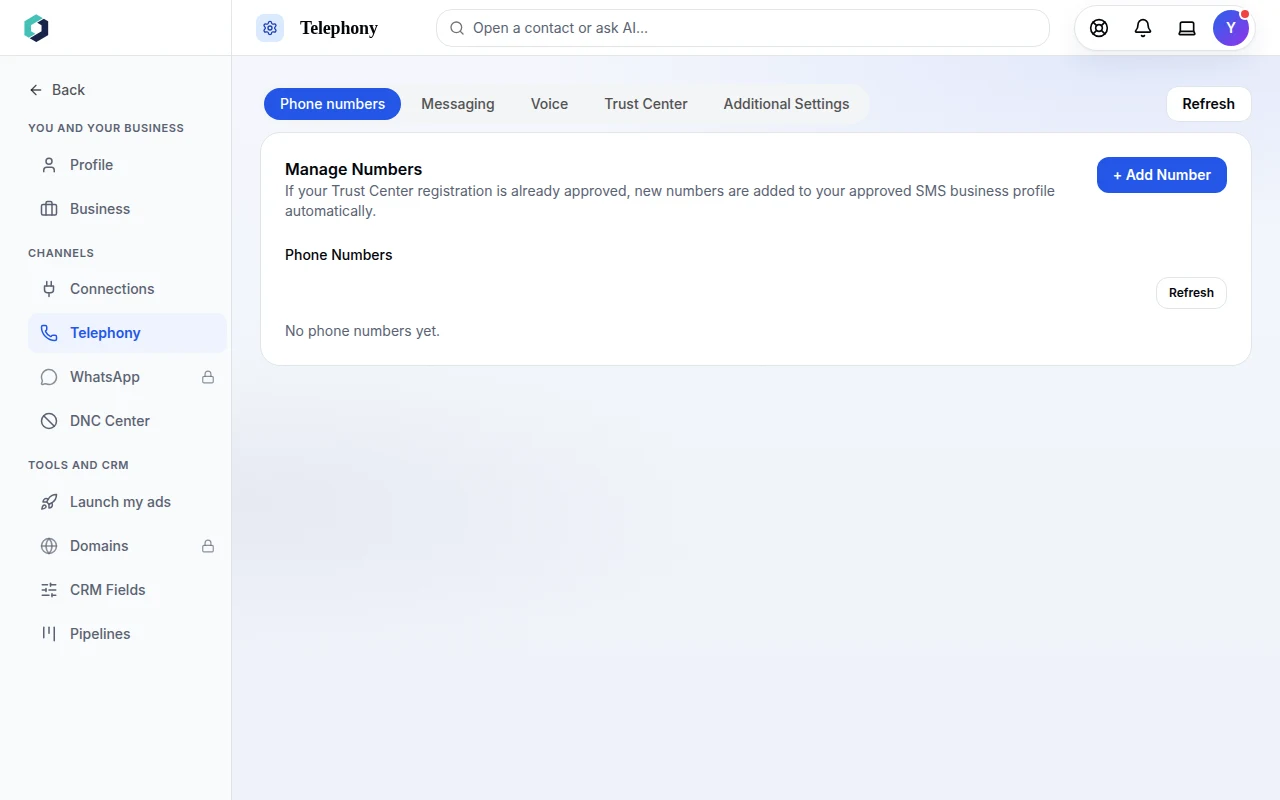 Settings > Telephony > Phone numbers.
-
Press + Add Number. If you have not accepted the policy yet, this window shows it again and asks for your OK before you can buy.
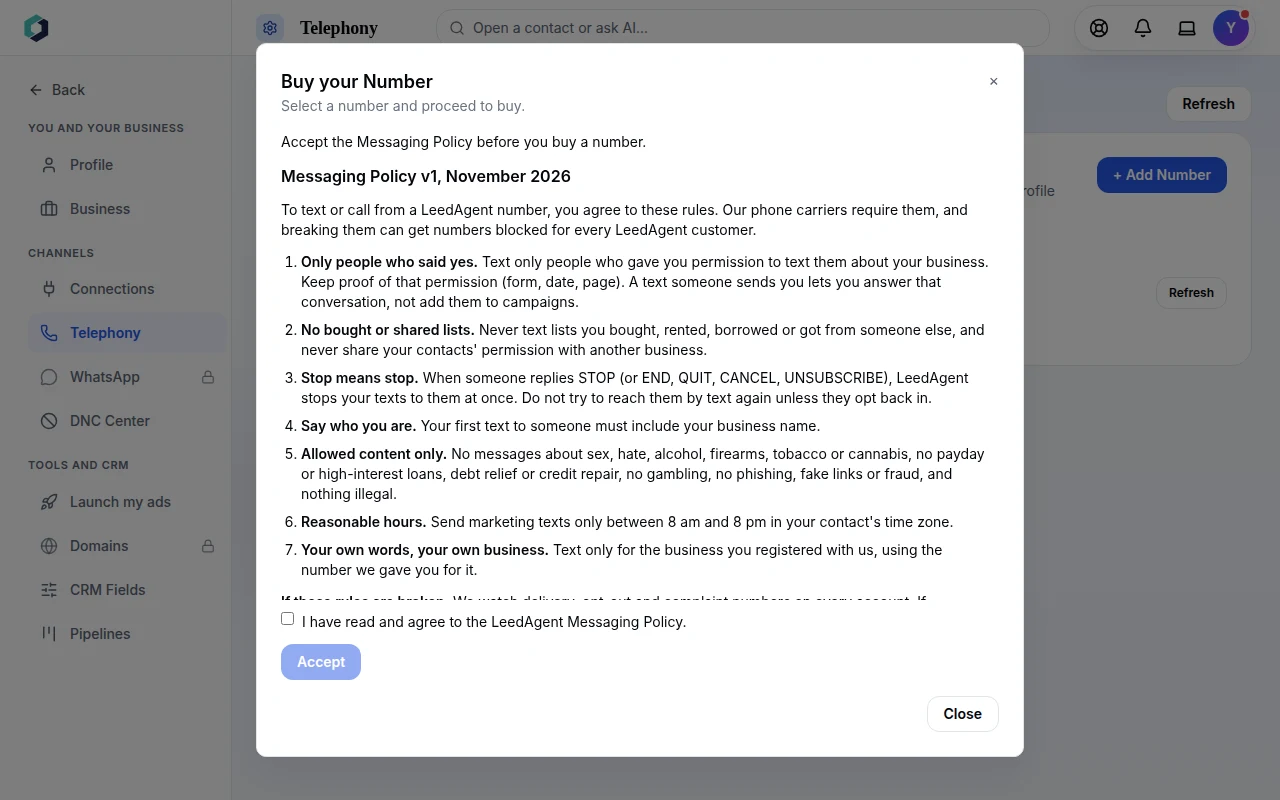 The Buy your Number window.
Good to know
A Free account can have one phone number, and it is for voice only. Past that, the app points you to Solo. Number and call prices are not on this page: check them in the app before you buy.
Who has it
Phone and calls are on every plan, Free and Free Plus included. Texting is on Solo and up, and so are the inbox, WhatsApp and phone extensions. Plans and what each one includes are on the pricing page.
Try it
Have a Free account already? Open Phone in the app. No account yet? Start free. The rules you accept are in our compliance page, and the plans are on pricing.